Manually
Run from the canvas while you build, or from a Manual Trigger with its own input form.

Connect AI agents, logic and the apps you already use into workflows that run on a schedule, on an incoming message, or from the API. Draw it yourself, or describe it and let AI draft it.
Start with 100 free credits. No credit card required.
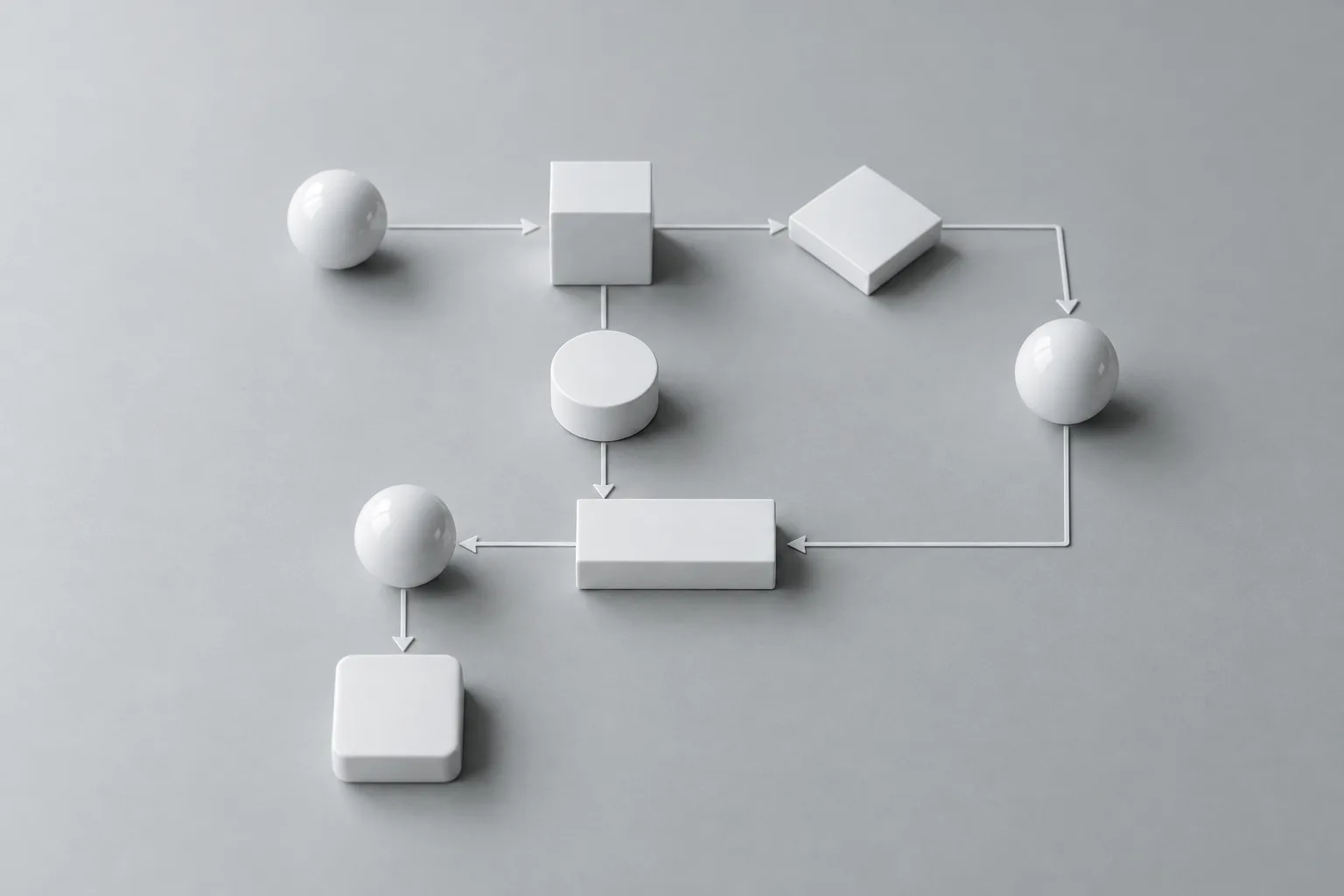
A workflow is a directed graph: nodes are the steps, edges connect them. A trigger starts the run, and the engine follows the edges — on the server, not in your browser tab.
Run from the canvas while you build, or from a Manual Trigger with its own input form.
Cron schedules with a timezone, run on the server — the workflow fires whether or not your browser is open.
A new message to your Telegram bot starts the workflow, and a Chat Interface node replies. WhatsApp, Messenger and Instagram inboxes work the same way once Meta approves the app (pending).
POST /v1/workflows/{id}/run with a MultiverseAI API key, and read the result back from /v1/executions.
Give each step its own specialist. Agents you build once on the agents page become reusable steps in any workflow.
Everything on the canvas is a node. These are the categories in the builder’s palette, counted from the registry the builder itself uses.
Start a run by hand, from a form, on a cron schedule, or on an incoming chat message.
AI Agent nodes do the thinking; Condition, Filter and Switch decide where the data goes next.
AI transforms, summaries, embeddings, vector storage and semantic search.
Loops, parallel branches, delays, sub-workflows and human approval steps.
Prompt input, web search and scraping, YouTube, Gmail and Google Drive, Docs and Photos.
JSON operations, dates, dedupe, dataset compare, file conversion, code and database queries.
Email, Slack, the multi-platform Chat Interface, meeting notetaker, SSH, FTP and GraphQL.
TikTok, Meta, Instagram, Threads, LinkedIn, X, Jira, HeyGen, Tavus, ElevenLabs and more.
A general-purpose action step for messages, email, database writes, API calls and the queue.
You don’t have to start from a blank canvas. Describe what you want to automate and the builder’s AI assistant lays out the nodes and connections for you to review.
Write what should happen in plain English — “watch my inbox for receipts, pull out the amounts and save them to a spreadsheet” — and get a draft workflow.
Ask for changes to an existing workflow, like adding error handling or splitting work into parallel branches.
The assistant can look up node types and integrations but never saves, runs or deletes anything — the canvas stays yours to approve.
7 ready-made workflows to start from and adapt.
Generate blog posts, social media content, and summaries with AI
Process CSV data, analyze trends, and generate reports
Automate customer inquiries, generate responses, and escalate when needed
Review code changes, check for issues, and generate feedback
Create and schedule social media posts across multiple platforms
Extract data from invoices, validate, and update accounting system
Analyze customer feedback and social mentions for sentiment trends
Export any workflow as a .json file, edit it in the builder’s JSON editor, and import it back. The same format creates and runs workflows through the public API.
The shortest valid workflow is two nodes and one edge. Read the workflow JSON reference or the API docs.
{
  "nodes": [
    { "id": "start", "type": "trigger" },
    { "id": "reply", "type": "aiAgent" }
  ],
  "edges": [
    { "source": "start", "target": "reply" }
  ]
}What the workflow builder does, in plain terms.
An agentic workflow is an automation in which AI agents make decisions along the way instead of following a fixed script. In MultiverseAI a workflow is a graph of nodes: a trigger starts it, AI Agent nodes read, reason and write, and logic nodes route the result to the next step or to a person for approval.
No. You drag nodes onto a canvas and connect them, or describe what you want to automate in plain English and the AI assistant drafts the workflow for you to review. A Code Execution node is there if you want it.
A workflow can run manually, on a cron schedule with a timezone, when a new message reaches your Telegram bot or a connected Meta messaging inbox, or from the public API. Scheduled and message-triggered runs happen on the server, so your browser does not need to be open.
Yes. Each AI Agent node can run one of your saved agents, so you can chain specialists in sequence, route between them with Condition and Switch nodes, run branches in parallel, and add a Wait for Approval step before anything goes out.
The integrations catalog lists 55 integrations across AI providers, messaging, social publishing, ads and commerce, Google Workspace, developer tools and web research — including Slack, Gmail, Google Drive, Telegram, Instagram, TikTok, Jira, GitHub and Stripe. Each one acts through an account you connect.
Yes. Every workflow can be exported as a JSON file, edited in the builder’s JSON editor, and imported back. The format — nodes, edges and branching — is documented in the workflow JSON reference, and the same JSON works with the public API.
Draw it on the canvas or describe it to the AI assistant. Start with 100 free credits.